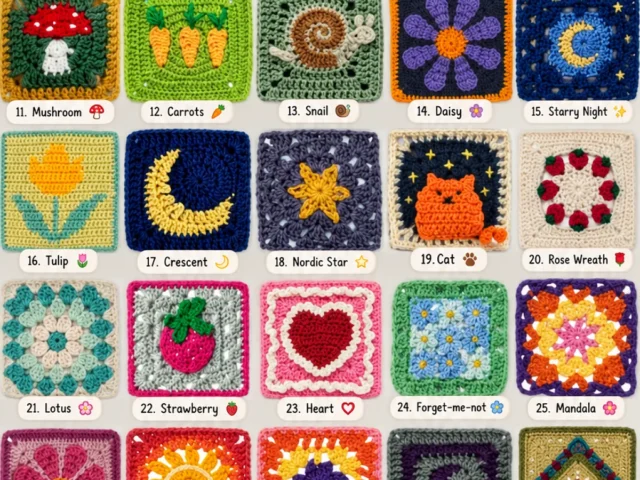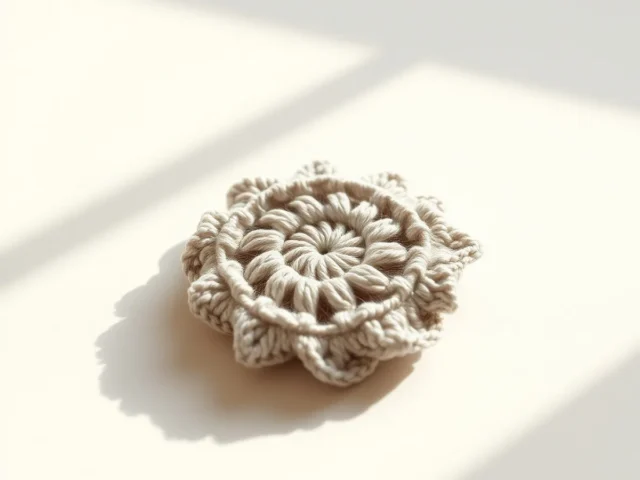
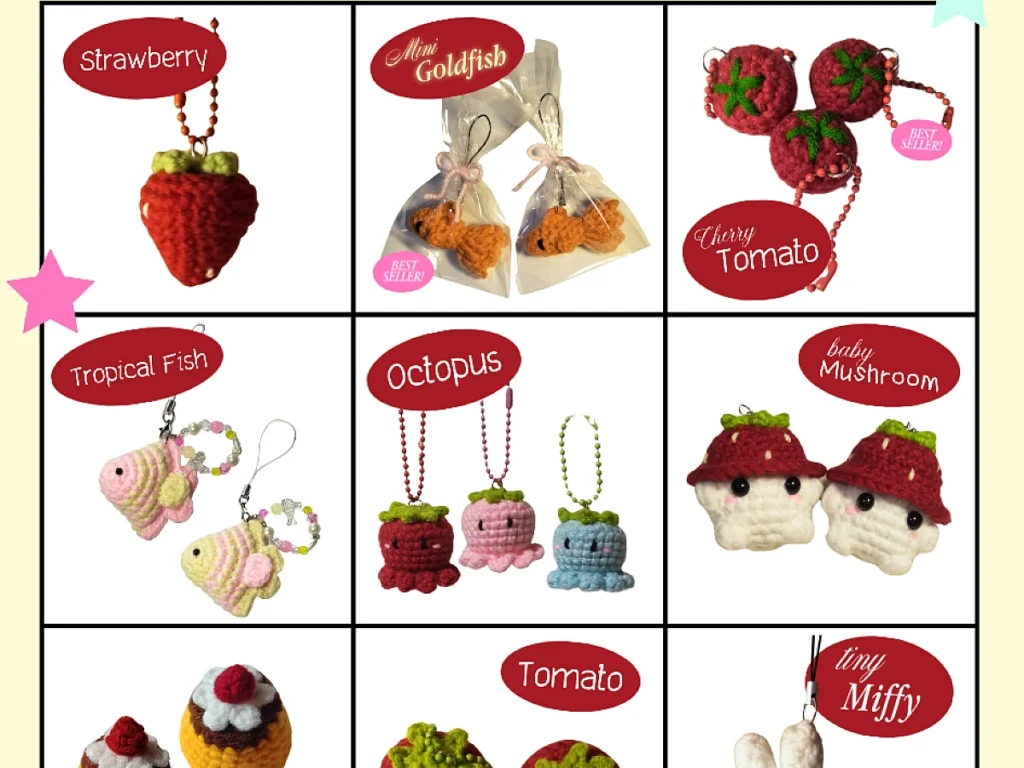
Crochet Catalog Guide: Create a Quick, Cute Collection
Design a tidy crochet catalog in under two hours.
A single 4‑inch swatch can become the centerpiece of a whole catalog in 45 minutes.
You’ll see how a handful of swatches turn into a professional‑looking catalog without a studio. The steps stay fast, so you can repeat the method for new collections whenever you like.
All the tools fit in a drawer, and the cost stays under $20. Follow the guide, add your own flair, and you’ll have a printable reference ready to share or keep for yourself.
Pick a yarn, crochet a few representative stitches, photograph them, and lay them out in a simple PDF. The process takes about 90 minutes from yarn to finished catalog.
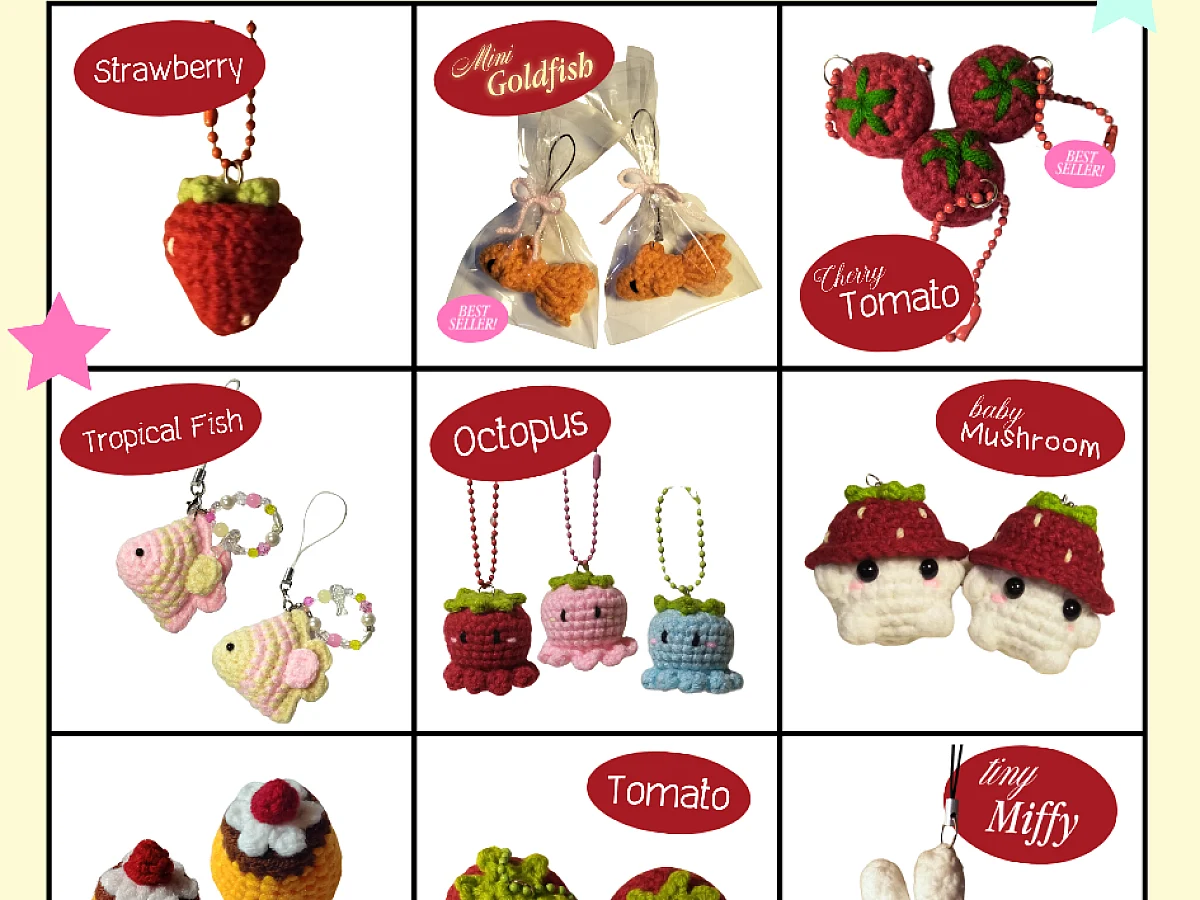
What you need
Yarn
Worsted weight, 50 g skein; any brand you like, about $4
Hook
Size 5.5 mm (I‑9); steel or bamboo works
Light source
Daylight LED lamp, inexpensive and bright
Camera or phone
Any modern smartphone with a decent camera
Layout software
Free online tool like Canva or Google Slides
Pick Yarn and Hook
Choose a worsted‑weight yarn you love; the texture shows up well in photos. Pair it with a 5.5 mm (I‑9) hook for even stitches.
- Yarn – worsted weight, 50 g skein (about $4)
- Hook – steel or bamboo, size 5.5 mm
- Desk lamp – bright, daylight LED
If you only have a 4 mm hook, use a lighter yarn to keep stitch size similar.
Plan Your Swatches
Select 4‑6 stitch patterns that represent your collection – stockinette, garter, rib, and a decorative stitch work well.
- Sketch a quick grid on paper: each square = one swatch
- Note yarn name and stitch abbreviation
Write abbreviations in the corner; it saves time when you label later.
Crochet the Samples
Cast on 20 stitches, work the chosen pattern for 6 rows, then bind off loosely.
- Speed hack: work two rows at a time to cut knitting time in half
Keep tension consistent; uneven tension shows up as blurry photos.
Snap and Label
Lay swatches on a plain background, photograph with natural light, and crop to 4‑inch squares.
- Speed hack: use your phone’s grid mode for instant straight shots
Add a tiny label in a corner with yarn brand and stitch abbreviation.
Assemble the PDF
Import images into a free layout tool, arrange in rows, and add a simple title page.
- Speed hack: use a template so each page aligns automatically
Export as a low‑resolution PDF for quick sharing, or high‑resolution for printing.
Make it Your Own
Swap yarn colors, add a personal logo, or include a short how‑to note for each stitch.
- Variation box: try a seasonal palette – pastel yarns for spring or rich hues for fall
A handwritten note on the title page adds charm without extra cost.
Step
Choose yarn
Select a worsted‑weight yarn and match it with a 5.5 mm hook; the combination gives clear stitch definition.
Cast on and stitch
Cast on 20 stitches, work the chosen pattern for six rows, then bind off loosely.
Finish swatch
Block lightly if you want extra flatness, then let dry completely.
Photograph
Place swatch on a plain surface, use daylight lamp, and snap a square image.
Trim and label
Crop to 4‑inch square and add a tiny corner label with yarn and stitch info.
Layout
Import all images into a template, arrange in rows, and add a simple title page.
Export
Save as PDF; choose low‑resolution for quick share or high‑resolution for printing.
Ways to change it
Mini catalog
Three swatches, perfect for a quick reference guide; suits busy crafters
Seasonal palette
Use pastel yarns for spring or deep tones for fall; adds a thematic touch
Large format
Double the swatch size and include stitch charts; great for detailed instruction
The short version
- A single 4‑inch swatch can fill a catalog in under an hour
- Worsted yarn with a 5.5 mm hook gives clear, photo‑ready stitches
- Use a plain background and daylight lamp for consistent images
- A free layout tool speeds up PDF creation
- Add personal labels or seasonal colors to make the catalog yours
Questions people ask
Can I use a different yarn weight?
Yes, just adjust the hook size so the stitch gauge stays similar; a lighter yarn needs a smaller hook.
Do I need special software to make the PDF?
No, free online tools like Canva or Google Slides handle the layout and export without cost.
Start your own crochet catalog today
Follow the steps, add a personal twist, and you’ll have a tidy catalog ready to share or keep. Keep it quick and cute!