How to Read and Use Digital Crochet Patterns
Learn to read a digital crochet pattern from the first stitch to the final seam, so you can start any project with confidence.
The first time I opened a digital crochet pattern, I printed it, then lost the page number, then dropped yarn on the keyboard.
Digital crochet patterns are everywhere now. They come as PDFs, blog posts, or app pages. Some are free, some cost a few dollars. The instructions are the same as a printed pattern, but the format changes how you work with them.
You do not need a special device. A phone, tablet, or laptop all work. The trick is to make the pattern easy to see and to mark your place as you go. Here is how to use a digital pattern from start to finish, without losing your spot or misreading a stitch.
Digital crochet patterns are the same instructions as paper ones, but they live on a screen. You can zoom in, search for a stitch, and keep your place with a finger. The key is to read the abbreviations and gauge before you pick up your hook.
What you need
Digital device
A phone, tablet, or laptop. A tablet is easiest because the screen is larger, but any device works.
Pattern file
A PDF, webpage, or app. Make sure it is saved or bookmarked before you start.
Yarn and hook
The pattern will tell you the weight and hook size. If you substitute yarn, check the gauge.
Stitch markers
Use them to mark the beginning of a round or a repeat. You can use safety pins or scrap yarn.
Notepad and pen
For making notes on your row count and any changes you make.
What is a digital crochet pattern?
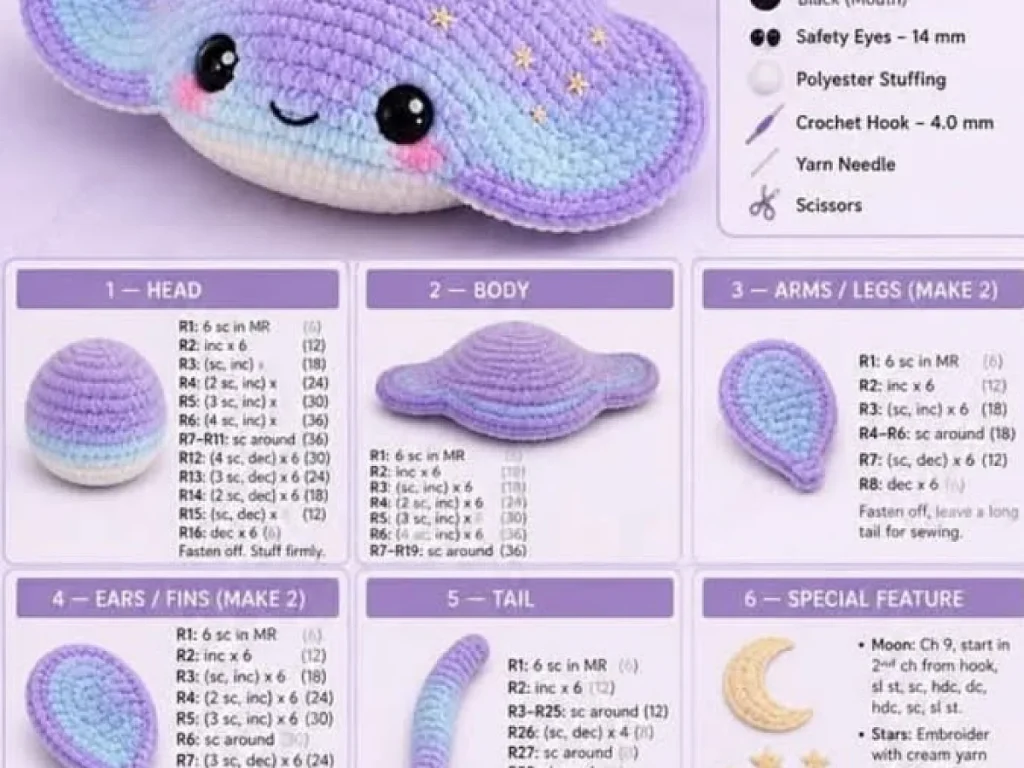
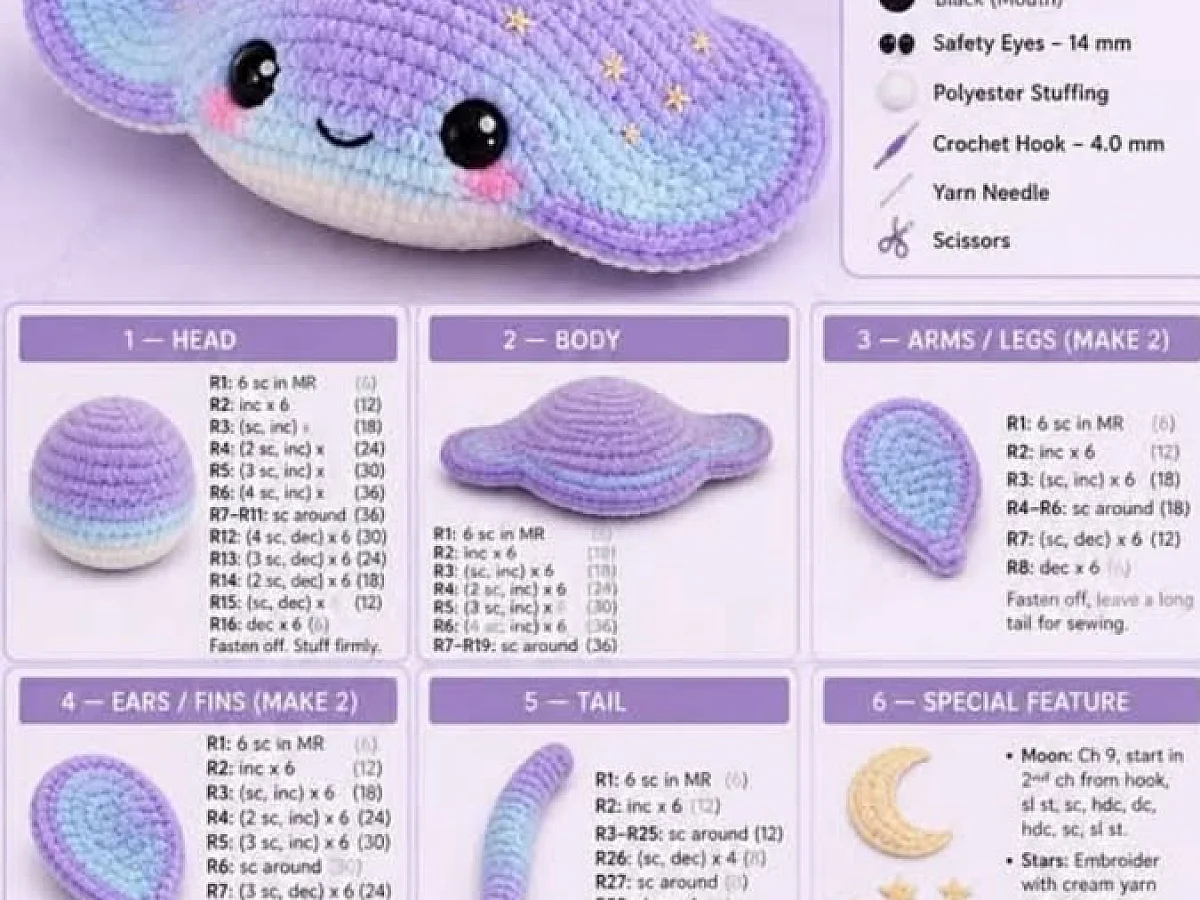
A digital crochet pattern is a set of written instructions, charts, or diagrams that you read on a screen. It might be a PDF file, a webpage, or an app. The content is the same as a printed pattern, but it can be zoomed, searched, and saved.
Most patterns include a list of materials, a gauge, abbreviations, and step-by-step rows. Some have photos or video links. The advantage of digital is that you can enlarge the small print and keep it with you on your phone.
If you are new to crochet, look for a pattern that says 'beginner' or 'easy'. They usually have more photos and simpler stitches.
Why you need to check the gauge first
Gauge is the number of stitches and rows in a 10 cm square. It tells you if your tension matches the designer's. If your gauge is off, your finished piece will be the wrong size.
To check, make a small swatch, about 15 cm square. Count the stitches and rows. If you have too many stitches, try a larger hook. Too few, use a smaller hook. This step takes ten minutes and saves you from frogging a whole sweater.
For a scarf or a blanket, gauge matters less. For clothing, it is essential.
Always block your swatch the same way you will block the finished piece. That gives you the true gauge.
How to read abbreviations and symbols
Crochet patterns use short forms like 'sc' for single crochet and 'dc' for double crochet. A pattern will list all the abbreviations at the start. Read that list before you begin.
Symbols on charts work the same way. Each symbol stands for a stitch. The key is usually next to the chart. If you do not know a symbol, look it up before you start, not in the middle of a row.
A common mistake is to misread 'sc' as 'sl st' or 'dc' as 'tr'. Take a moment to highlight or circle the abbreviations you will use.
Keep a small printed list of the abbreviations next to your work. You can also bookmark the chart key on your phone.
How to keep your place on a digital pattern
The hardest part of a digital pattern is losing your place when the screen scrolls. Here are three ways to stay on track.
Use a highlighter tool if your PDF reader has one. Mark the row you are on. Or use a sticky note on your screen, but that only works on a tablet or laptop.
Another way is to copy the pattern into a notes app and delete each row as you finish it. That works well on a phone.
For a chart, you can use a magnet or a piece of paper under the row you are reading. On a tablet, you can use the split-screen view to keep the chart open while you read the instructions.
If you are using a phone, turn off auto-lock so the screen stays on while you work.
Making a digital pattern work for you
Digital patterns are easy to change. You can zoom in on a tricky part, search for a word like 'decrease', and jump straight to it. That is something paper cannot do.
You can also make notes. Write down your row count, the hook you used, and any changes you made. Save the note with the pattern file.
If you prefer paper, you can print the pattern. But you lose the search and zoom features. Many crocheters use a hybrid: print the chart, keep the instructions on screen.
Save your pattern to a cloud service like Google Drive or Dropbox. That way you can open it on any device, even if you lose your phone.
Step
Open the pattern
Open the pattern on your device. Make sure the font is large enough to read without squinting. If it is a PDF, you can zoom in.
Read the materials list
Check that you have the right yarn weight, hook size, and any other supplies. If you are substituting, note the differences.
Check the gauge
Make a swatch and measure it. Adjust your hook if needed. This step is quick and saves a lot of trouble later.
Find the abbreviations key
Look at the list of abbreviations and symbols. Highlight or write down the ones you will use.
Mark your place
Use a highlighter, a sticky note, or a notes app to mark the row you are on. Update it as you finish each row.
Start crocheting
Follow the pattern row by row. If you get stuck, zoom in on the chart or read the instructions again. Take a break if you feel frustrated.
Ways to change it
Print it
If you prefer paper, print the pattern. You can write directly on it, but you lose the search feature.
Use an app
Some apps let you track rows and count stitches. They are handy for complex patterns.
Watch a video
Many patterns have a video tutorial. It helps to see the stitch in motion, especially for beginners.
Change the yarn
You can use a different yarn weight, but you must adjust the hook and gauge. The finished size will change.
Adjust the size
For clothing, you can add or subtract stitches at the seams. This is easier if the pattern has a schematic.
The short version
- Digital patterns are the same as paper ones, just on a screen.
- Always check the gauge before you start a fitted project.
- Read the abbreviations key before you begin.
- Keep your place with a highlighter, sticky note, or notes app.
- Zoom and search make digital patterns easier to follow than paper.
- You can print a digital pattern if you prefer paper.
- Save your pattern to the cloud so you can access it anywhere.
Questions people ask
Can I use a digital crochet pattern on my phone?
Yes, you can. The screen is small, so zoom in on the chart and use a notes app to keep your place. A tablet is easier, but a phone works.
What if the gauge is off?
Change your hook size. If you have too many stitches, use a larger hook. Too few, use a smaller one. Make another swatch and check again.
How do I keep my place on a long pattern?
Use a highlighter tool in your PDF reader, or copy the pattern into a notes app and delete each row as you finish it. You can also place a sticky note on your screen.
Are digital patterns cheaper than printed ones?
Often, yes. Many are free, and paid ones are usually a few dollars. You also save on shipping and paper.
Start your next project with a digital pattern
Digital crochet patterns are a handy way to keep your instructions with you. The key is to check the gauge, read the abbreviations, and mark your place. With a little practice, you will be able to pick up any digital pattern and start crocheting with ease. Stitch with ease.