Pattern Directory: A Quick Guide to Finding and Using Design Inspiration
Learn how to use a pattern directory to spark ideas, organize your favorites, and turn inspiration into finished projects.
You have a blank page and a deadline, and the pattern directory is sitting right there—but you are not sure how to use it without copying someone else's work.
A pattern directory is like a library of visual ideas. It holds hundreds of patterns—stripes, florals, geometric shapes, animal prints—gathered in one place. You can use it to jump-start a design, whether you are making a logo, a wallpaper, a fabric print, or a website background.
The trick is not to copy a pattern outright. The trick is to borrow a structure, a color idea, or a mood, then twist it. Here is how to do that without wasting your afternoon.
A pattern directory is a curated collection of design patterns—think repeats, motifs, and textures—that you can browse for inspiration. This guide shows you how to search it, pick what fits, and adapt it into something original, all in about ten minutes.
The collection
Stripes
Simple and versatile. Change the width or angle for a different feel.
Polka dots
Playful and easy to scale. Try different sizes and spacing.
Chevron
Bold and directional. Use it to add energy to a design.
Floral
Soft and organic. Vary the size or color to modernize it.
Geometric
Clean and structured. Great for backgrounds and branding.
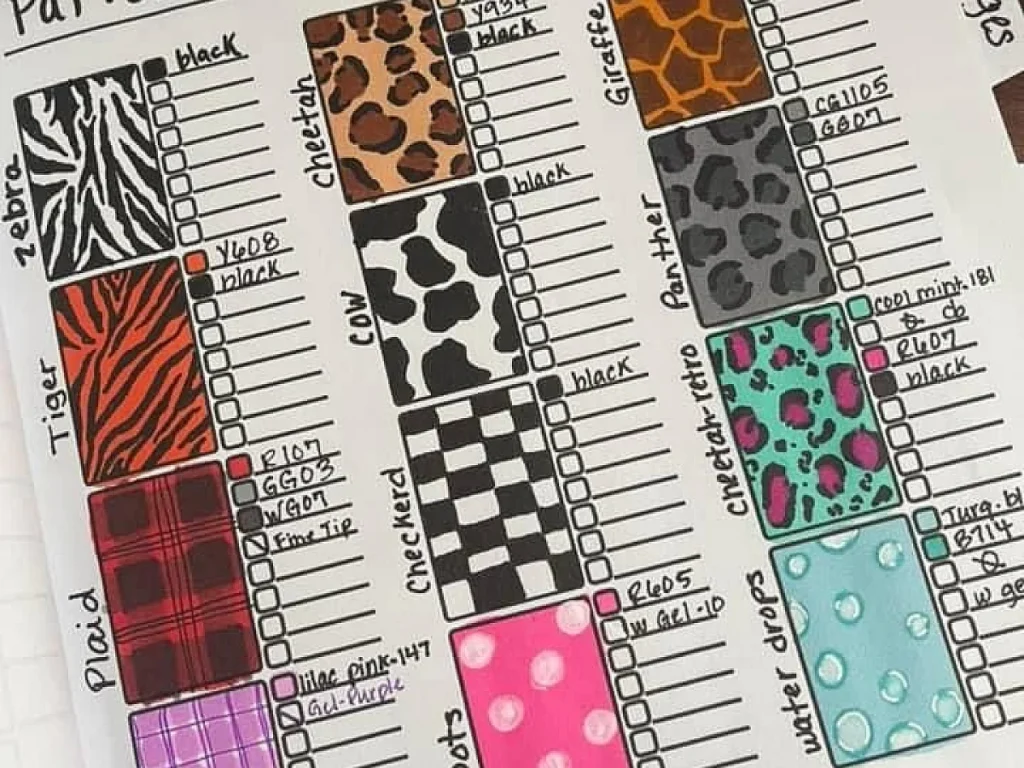
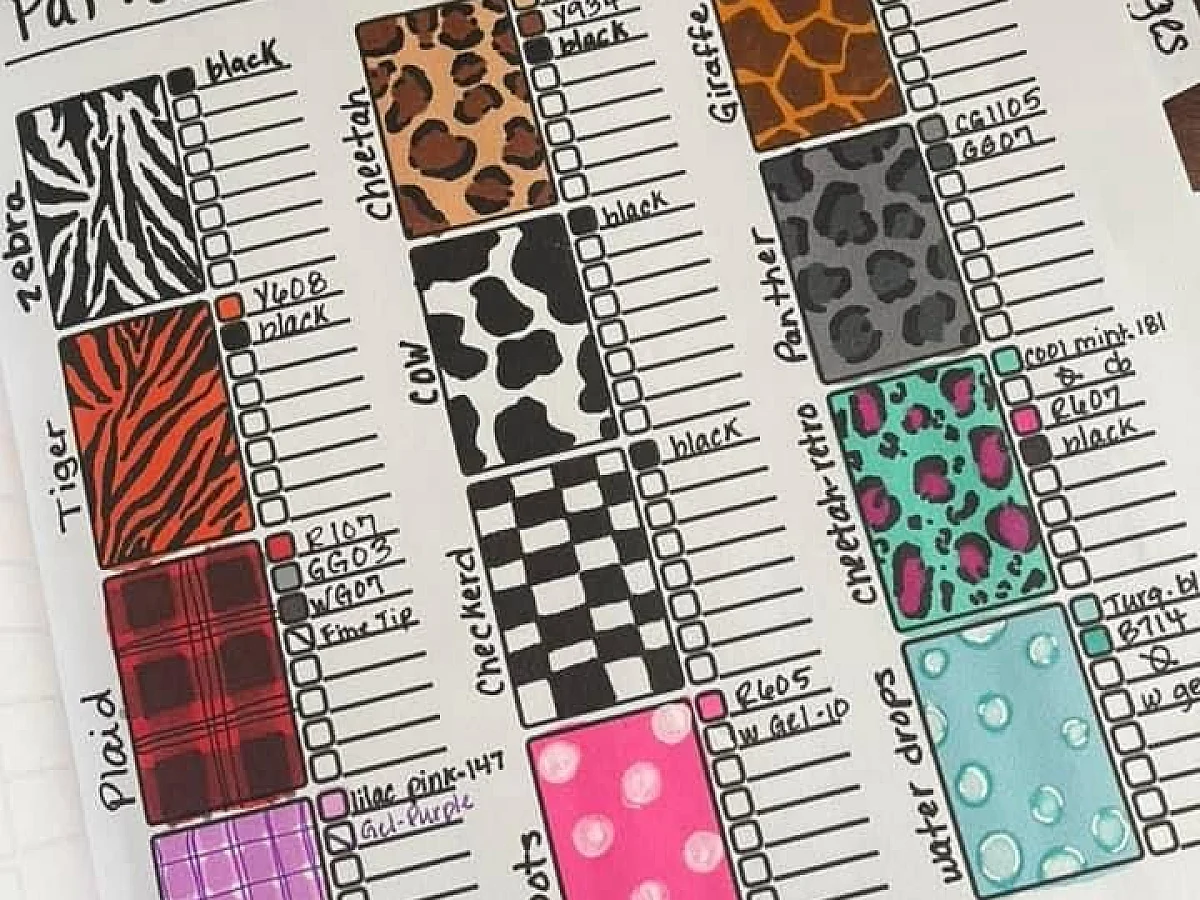
Animal print
Bold and trendy. Use it sparingly for a statement piece.
What you need
Pattern directory
Any collection of patterns, like a Pinterest board or a design book. Free options exist online.
Design software
Optional but helpful. Use what you have—even a free tool like Canva works.
A way to save images
Screenshots or downloads. You will want to keep the patterns you like.
What is a pattern directory?
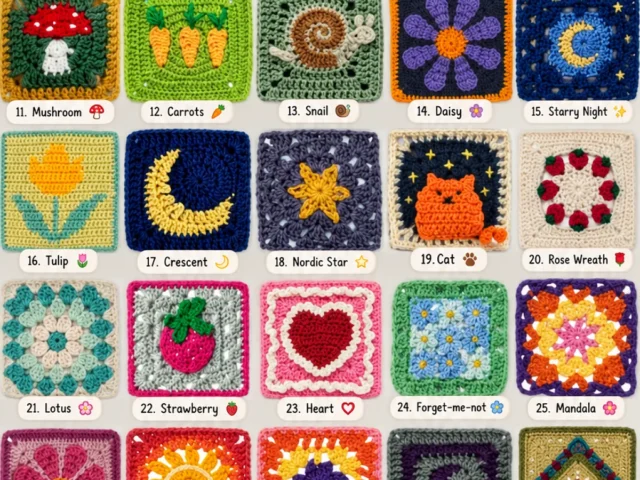
A pattern directory is a searchable collection of repeating designs. Some are free, some cost money, and some are just images on Pinterest. The one that inspired this article is a Pinterest board—a visual grid of patterns you can scroll through.
Think of it as a mood board you can actually search. You can look for 'floral' or 'geometric' or 'tropical' and get a pile of options in seconds.
If you are new to this, start with a pattern you like, then ask: what makes it work? The repeat, the colors, the spacing? That is what you will borrow.
How to search a pattern directory
Most directories have a search bar. Type what you need—'stripes', 'dots', 'chevron'—and filter by color or style if the tool allows. On Pinterest, you can also search by color chip or by related images.
Do not overthink the search. Use one or two words, then scroll. You are looking for a starting point, not the perfect final pattern.
- Search by shape: stripes, dots, zigzag, herringbone
- Search by mood: boho, minimal, vintage, modern
- Search by use case: background, border, fabric, wallpaper
Save the patterns you like into a separate board or folder. That becomes your personal mini-directory.
How to pick a pattern without copying
You want the feel of a pattern, not the exact pixels. So look at the overall rhythm, not the details. Is it dense or airy? Bold or subtle? Then change the color palette, the scale, or the spacing.
A common mistake is to pick a pattern and use it as-is. That is not inspiration; that is duplicating. Change one thing at least—the colors, the size, or the rotation.
If you are stuck, try flipping the pattern, repeating it differently, or putting it in a circle. Small changes make a big difference.
How to use a pattern in your project
Once you have a pattern you like, bring it into your design software—Photoshop, Illustrator, Canva, whatever you use. Then adjust the scale so it looks right for your surface. A pattern that works on a phone case will look tiny on a poster.
Play with opacity and blending modes. A pattern at 30% opacity makes a great background. At full strength, it can be the star of the piece.
Always check the pattern at the actual size you will use it. Zoom in and out to see if the repeat is smooth.
What to do when the pattern does not fit
Sometimes you find a pattern you love, but it is too busy, too plain, or the wrong shape. Do not delete it. Crop it, recolor it, or combine it with something else.
You can also use just a section of the pattern. A corner or a single motif can become your own design.
When in doubt, simplify. A pattern with too many elements often looks better when you strip it down.
How to organize your own pattern directory
The best directory is the one you build yourself. Start a Pinterest board or a folder on your computer. Add patterns you like, and label them by type or color.
That way, when you need a quick idea, you have a curated list that already fits your taste.
Review your board every few months. Delete what no longer speaks to you. A clean directory is a fast directory.
Step
Open your pattern directory
Go to the Pinterest board or any pattern collection you have. Scroll until something catches your eye.
Save a few patterns
Pin or download three or four patterns you like. Do not judge yet, just collect.
Pick one pattern
Choose the one that feels closest to what you want. Look at its repeat and colors.
Change something
Alter the colors, the scale, or the rotation. Make at least one change so it is not a direct copy.
Test it in your project
Place the pattern in your design. See how it looks at the size you need. Adjust until it works.
Ways to change it
Change the color palette
Swap the colors to match your brand or mood. A pattern you love in red might look great in blue.
Scale it up or down
Make the pattern larger for a bold look, or smaller for a subtle texture.
Rotate it
Turn the pattern 45 degrees for a different feel. Diagonal patterns add movement.
Combine two patterns
Layer a subtle pattern over a bold one for depth. Make sure one is much lighter.
Use just a part
Crop a section of the pattern to create a new design. Great for borders or icons.
The short version
- A pattern directory is a collection of repeating designs you can search.
- Use patterns as inspiration, not as ready-made elements.
- Always change at least one thing: color, scale, or rotation.
- Test patterns at the size you will actually use them.
- Build your own directory over time for quick access.
- Simplify a pattern if it feels too busy.
- Combining patterns works when one is clearly dominant.
Questions people ask
Where can I find a free pattern directory?
Pinterest is a great free source. Search for 'pattern directory' or browse design boards. You can also use free pattern websites like PatternCooler or Repper.
How do I avoid copyright issues when using patterns?
Do not copy a pattern exactly. Use it for inspiration and change the colors, scale, or elements. If you need a specific commercial license, buy from stock sites or use Creative Commons sources.
What is the best way to organize patterns?
Create a dedicated board or folder. Label by type or color. Keep it updated so you can find things quickly.
Start browsing a pattern directory now
A pattern directory is a tool, not a shortcut. Use it to spark ideas, then make them yours. With a few minutes of searching and a little tweaking, you can turn a found pattern into something that feels original. Keep it quick and cute!